Increase Revenue and Recover Sales for Your Squarespace Store
Bring back shoppers who weren't ready to buy. Send a wishlist reminder to turn saved items into completed sales instead of missed revenue.
14-day free trial • $17/month after trial ends
Built for Squarespace stores that want to grow
WishlistFlow helps you capture customer intent, recover lost sales, and turn wishlist activity into actual purchases.
Capture more intent
Let customers save products they're interested in instead of leaving your store. Every saved item is a strong signal of purchase intent.
Recover lost sales
Bring back shoppers who weren't ready to buy. Wishlist reminders and return links help turn missed purchases into completed orders.
Save for later from cart
Instead of losing items at checkout, customers can move products from cart to wishlist and come back when they're ready. This keeps purchase intent alive without forcing a decision.
Drive sharing and gift purchases
Customers can share their wishlist with friends, family, or followers, turning interest into purchases made by others. Perfect for gifting, birthdays, and social buying moments.
Increase order value
Customers return with saved items already in wishlist, purchasing multiple products in one session, increasing average order value naturally.
Understand Product demand
See which products are being saved the most so you can understand what customers actually want before they buy.
See WishlistFlow in Action
Explore a selection of real Squarespace stores using WishlistFlow to power wishlists and recover sales.
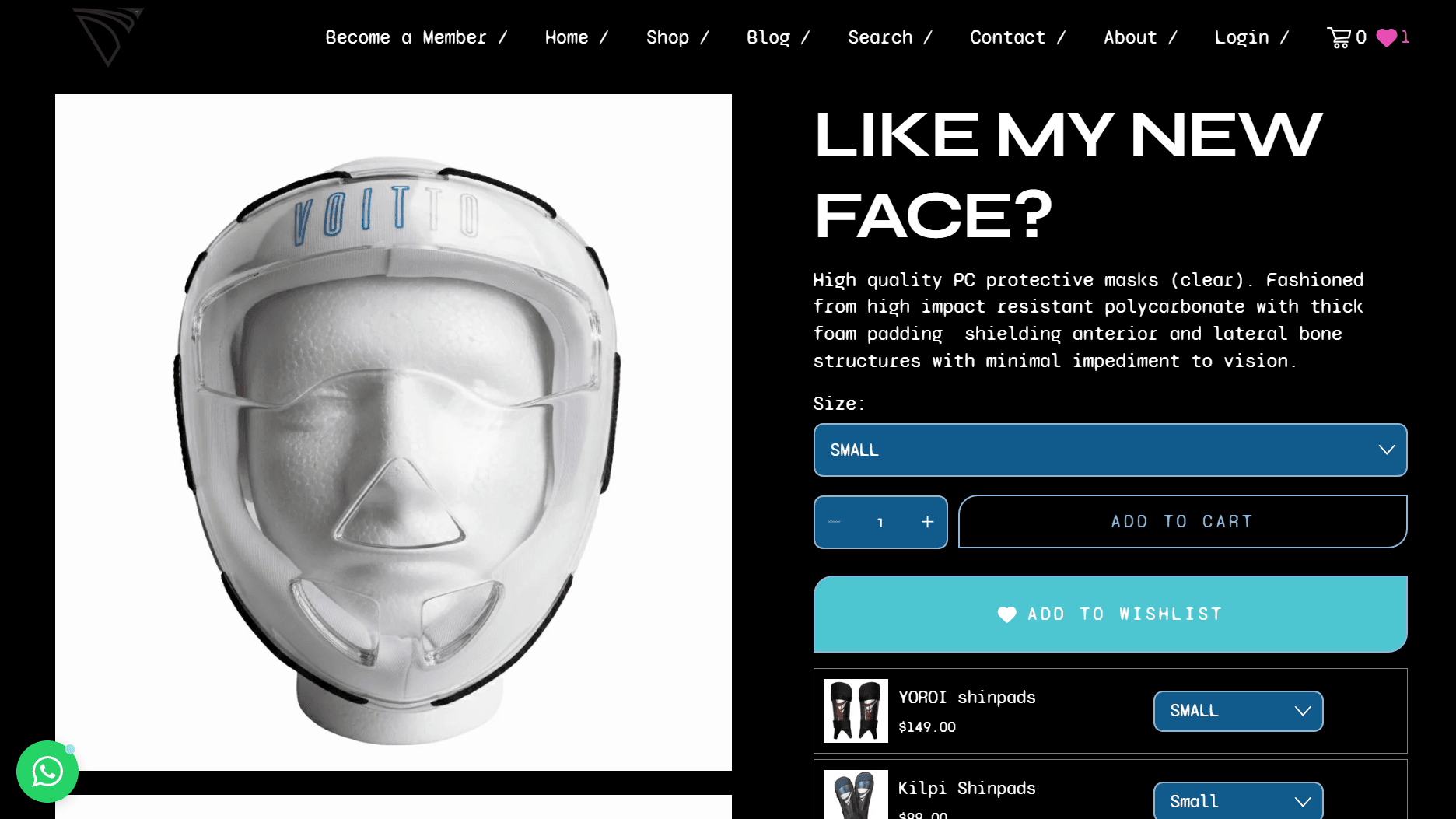
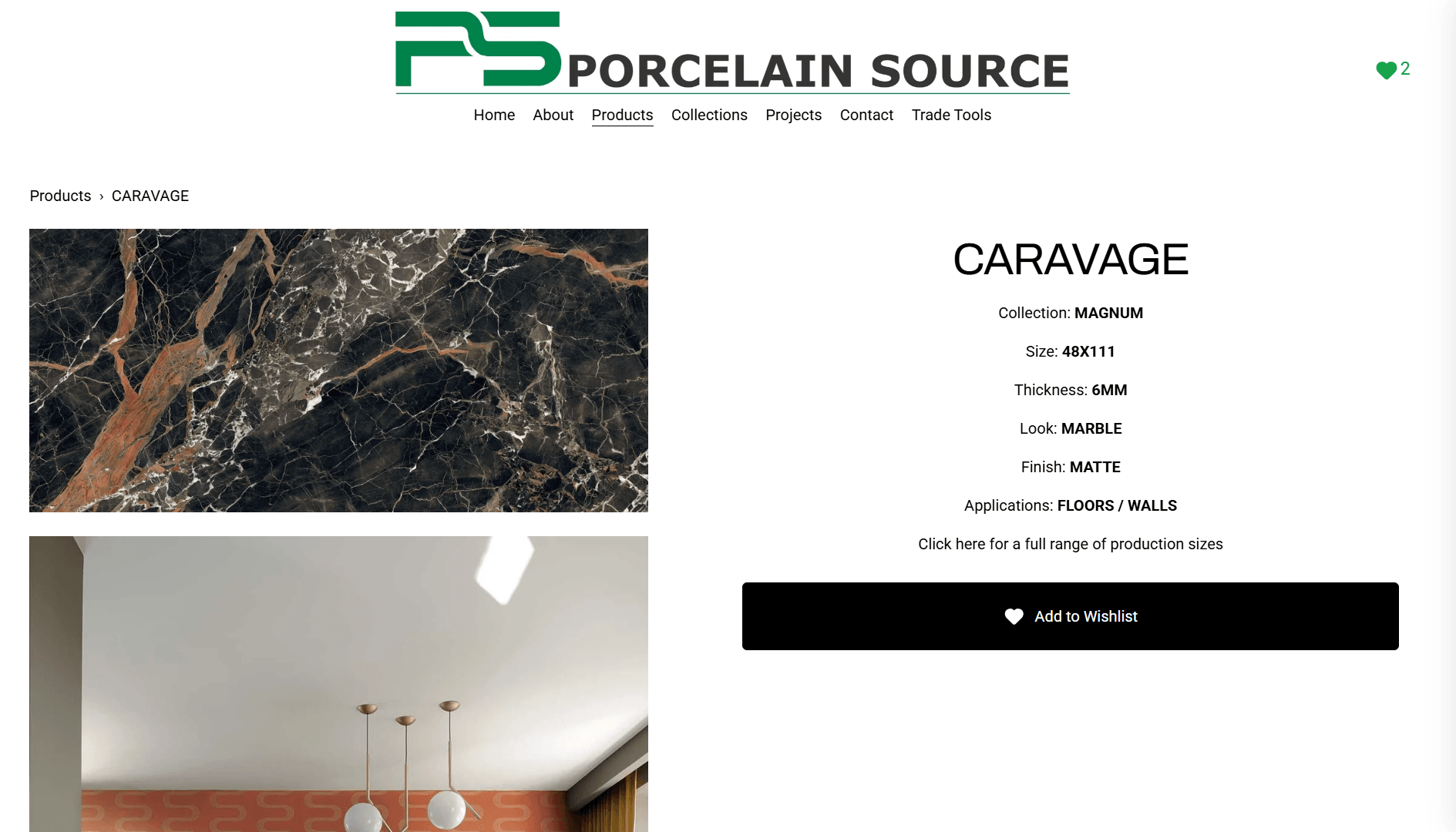
Wishlist built into every step of the journey
Seamlessly integrated throughout the entire shopping experience
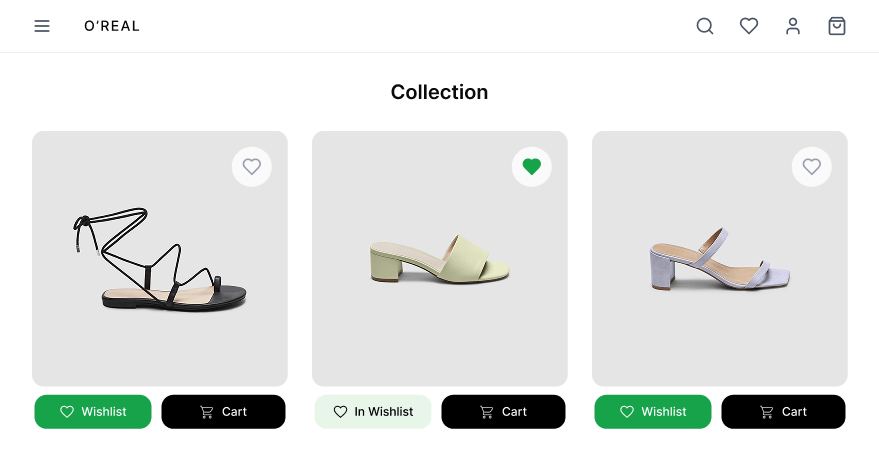
Collection page
Browse and save in one click
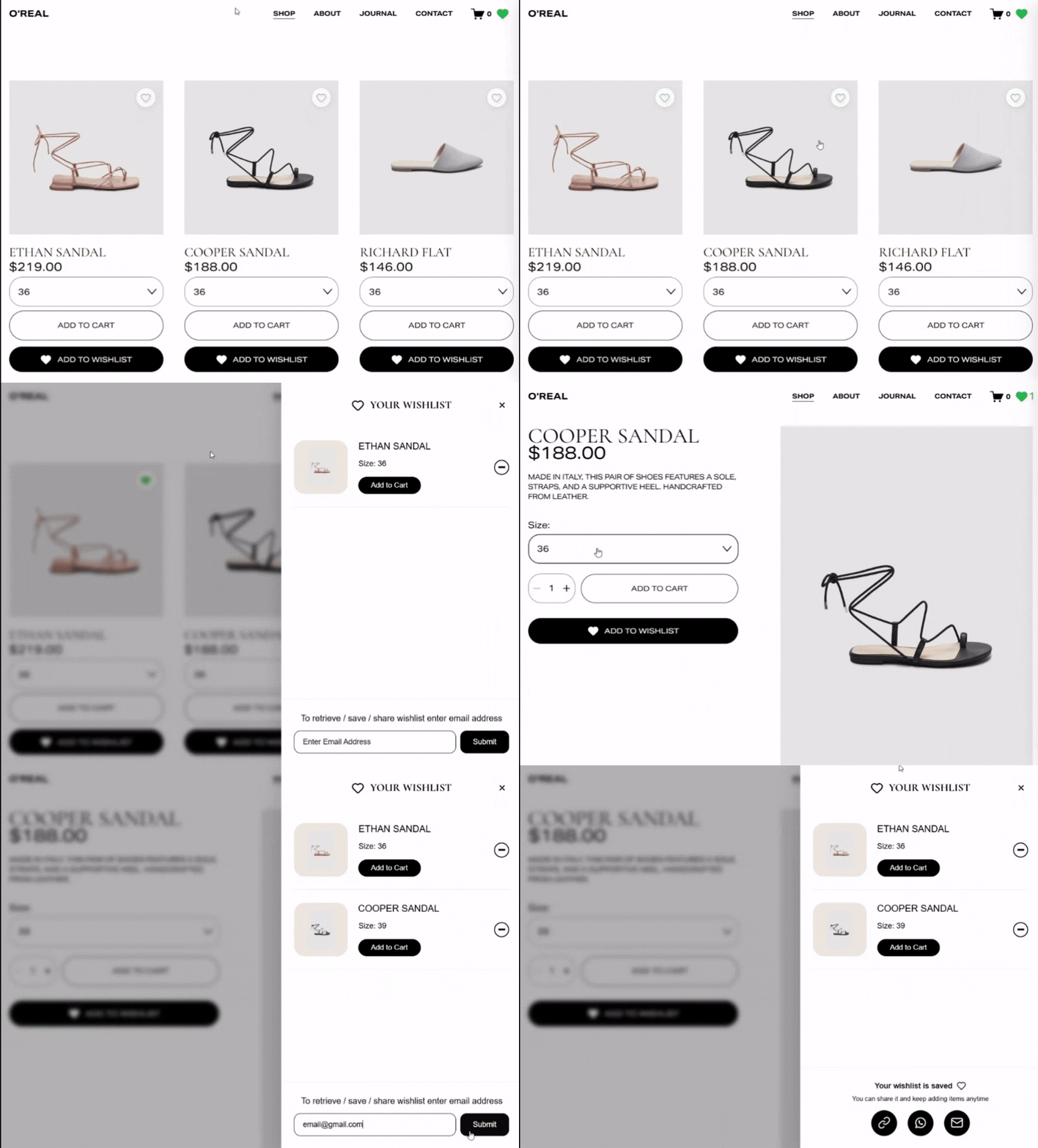
Let customers add items to their wishlist straight from collection pages without opening each product. This keeps browsing fast and frictionless. The easier it is to save, the more products get remembered.
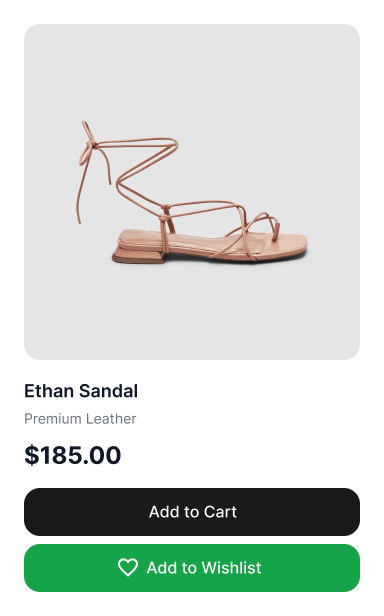
Product page
Capture intent the moment it happens
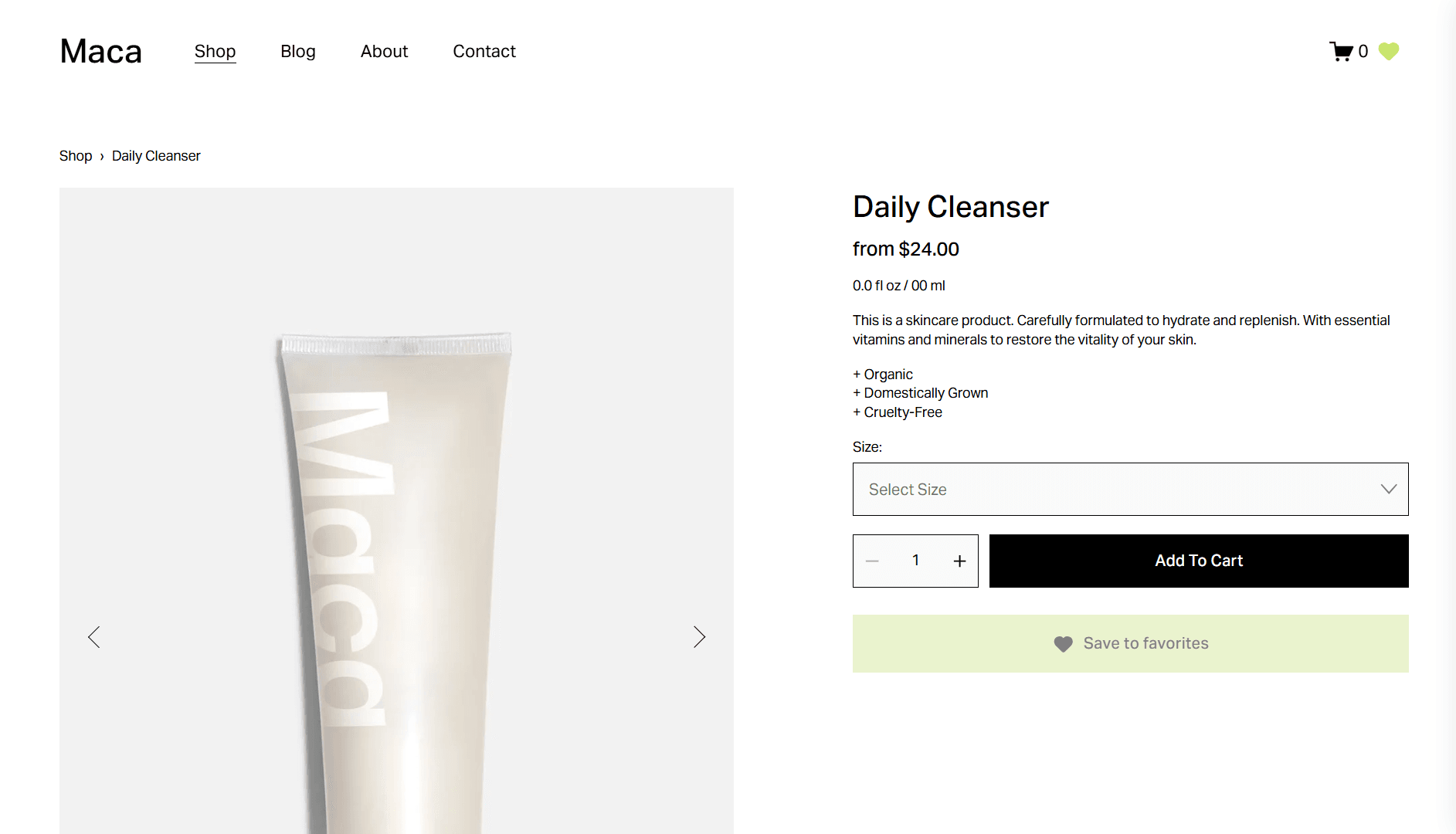
Customers can save products directly from the product page without interrupting their flow. WishlistFlow sits naturally alongside 'Add to Cart,' making it easy to decide now or later. Variant selections are preserved so nothing gets lost.
Cart (Save for later)
Turn hesitation into future sales
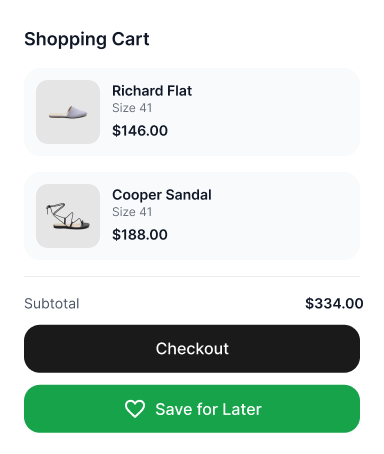
Customers can move items from cart to wishlist instead of abandoning them. This keeps their intent alive without forcing a decision. What looks like a lost sale becomes a future opportunity.
Wishlist sidebar
Everything, without leaving the page
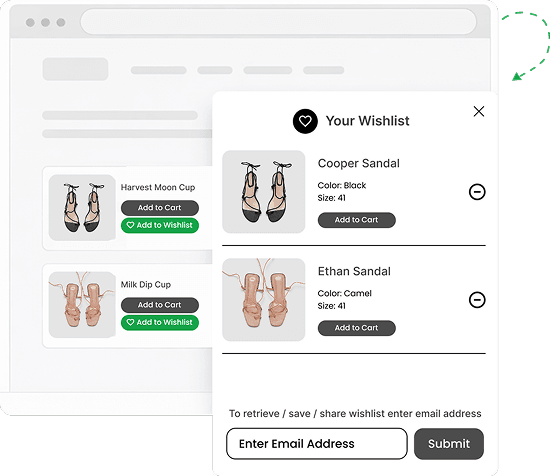
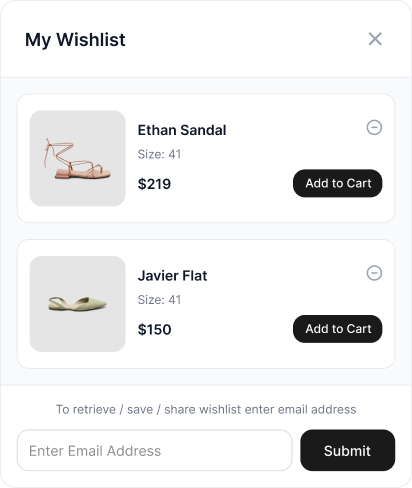
Customers can open their wishlist instantly from anywhere on the site, no separate page needed. They can review items, add products to cart, save their wishlist via email, or share it using a unique link. It keeps the entire experience fast, accessible, and uninterrupted.
Wishlist your Squarespace store needs
A complete wishlist system built specifically for Squarespace
One-click wishlist — no signup needed
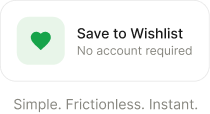
Let customers save products instantly, wherever they are in the shopping journey — without creating an account or interrupting their flow.
- Save to wishlist from anywhere in your store
- Guest wishlist — zero login friction
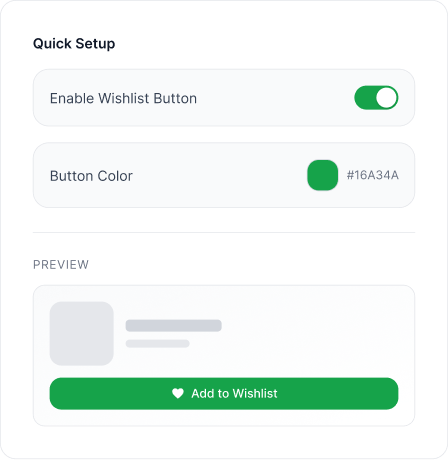
- Custom button placement and labels
- Works with your native Squarespace checkout
Wishlist, always within reach
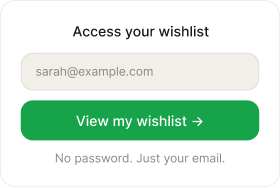
Customers can return to their wishlist anytime using just their email — no passwords, no accounts. Keep intent alive even after they leave.
- Email-based access across sessions
- Cross-device sync — mobile to desktop
- Instant wishlist link via email
Turn wishlists into more sales
Customers can share their wishlist or revisit it through email — while you stay informed about what they're interested in.
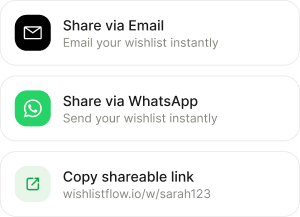
- Share via WhatsApp, email or direct link
- Direct link sharing
- Perfect for gifting and special occasions
- Price drop alertsCOMING SOON
- Back-in-stock alertsCOMING SOON
See what your customers want — not just what they buy
WishlistFlow gives you a real-time view of customer intent. This is the data Squarespace was never built to show you.
Live wishlist dashboard
See every customer's email and their saved items, updated in real time as they add or remove products.
Customer Wishlists
Top saved products
See which products are wishlisted the most. Spot demand trends and make smarter inventory decisions before stock runs out.
Most Saved Products
Export & owner alerts
Export your full wishlist data anytime. Plus, get an email the moment a new wishlist is created — with the customer's email and every item saved.
New Wishlist Created
sarah@gmail.com saved 2 items
Linen Tote Bag, Silk Scarf
Squarespace store owners love WishlistFlow
“I am so behind in modern technology, especially in IT areas. But Muhammad from the team helped me right from the beginning and provided excellent service to meet my demanding requests. I am so happy with the result and looking forward to running my online store.”
“I purchased a plugin from them and encountered a few installation issues, but fortunately, they provided swift assistance. Very pleased with my purchase!”
“Fantastic experience, purchased a plugin that wasn't exactly the way I wanted it, went above and beyond to help modify it to my specifications and style. Thanks so much!”
“Absolutely amazing services! Fast, reliable, great communication, 100% satisfaction. Will be using their services again for sure!”
“Great product and excellent, fast service when I had a question!”
Pricing built to help you recover sales and increase revenue
Start with the wishlist your customers see, or go Pro and unlock the tools to recover sales, share wishlists, and grow revenue. No rebuilds, no lock-in, cancel anytime.
- Add wishlist to Squarespace in minutes
- No rebuilds — works with your existing store
- Cancel anytime — no lock-in
Billed annually at $79/year
- Save to wishlist — heart button
- Guest wishlist — no login required
- Custom button placement & labels
- Works with native Squarespace checkout
14-day free trial • $79/year billed annually • Cancel anytime
Billed annually at $149/year
- Everything in Starter, plus:
- Email-based access from any device
- Cross-device sync
- WhatsApp + link sharing
- Live admin wishlist dashboard
- Top saved products view
- Export wishlist data (CSV)
- Owner email notifications
- Send wishlist reminder • Coming soon
- Price drop alerts • Coming soon
- Back-in-stock alerts • Coming soon
14-day free trial • $149/year billed annually • Cancel anytime
Frequently Asked Questions
Everything you need to know about WishlistFlow
Still have questions?
Contact our support team